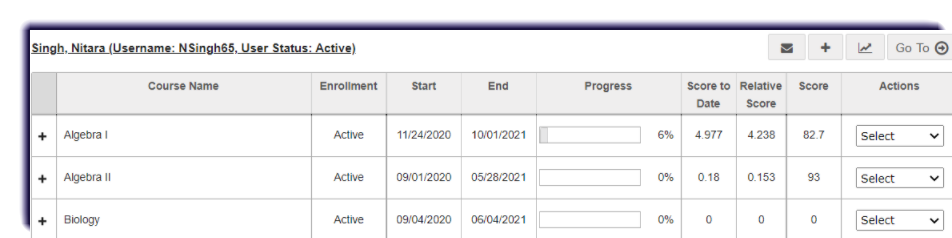
Use this page to learn how to view a student's gradebook information from the Course Enrollment section.
- Click Course Enrollment.

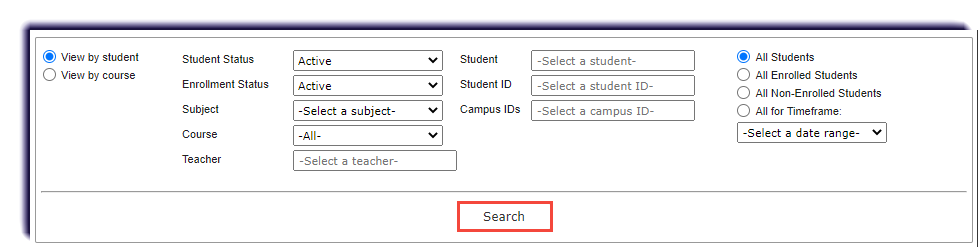
- Filter to find the enrollment(s) and click Search.
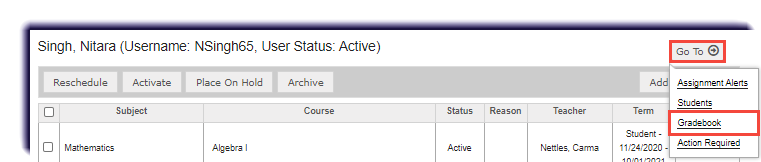
- Under Go To, click Gradebook.
- This is the student's gradebook information. To learn more about this page, click here.