Use this page to learn how to make change the Teacher of Record (TOR) for an enrollment.
- Click Course Enrollment.

- Use the filters to find the student and their enrollment.
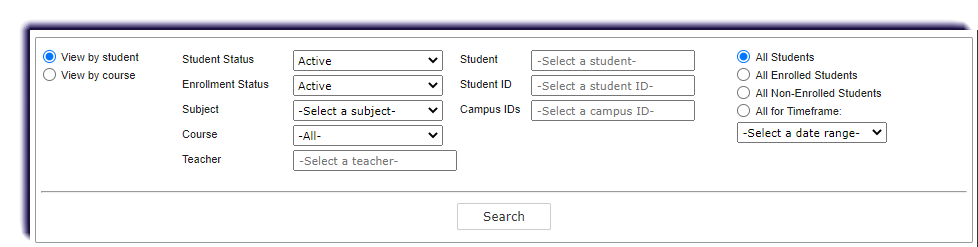
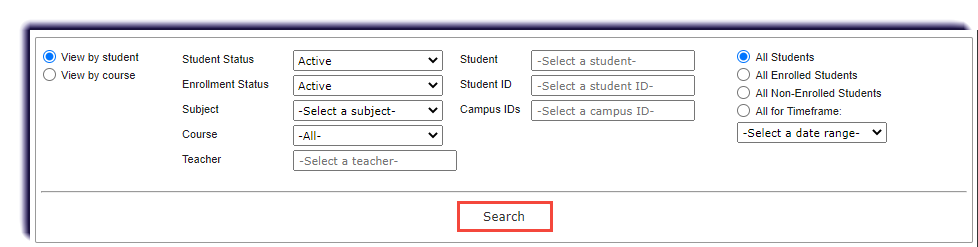
- Click Search.
- Click Edit under Actions of the enrollment.

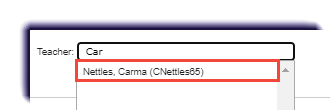
- In the Teacher field, delete the current teacher's name.

- Type the first three characters of the new teacher's first name, last name, username, or teacher ID. Select the teacher that matches the characters entered.
- Click Save Settings.

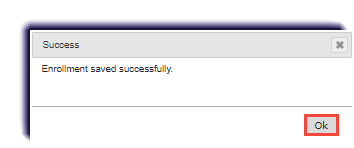
- A confirmation window appears. Click Ok.