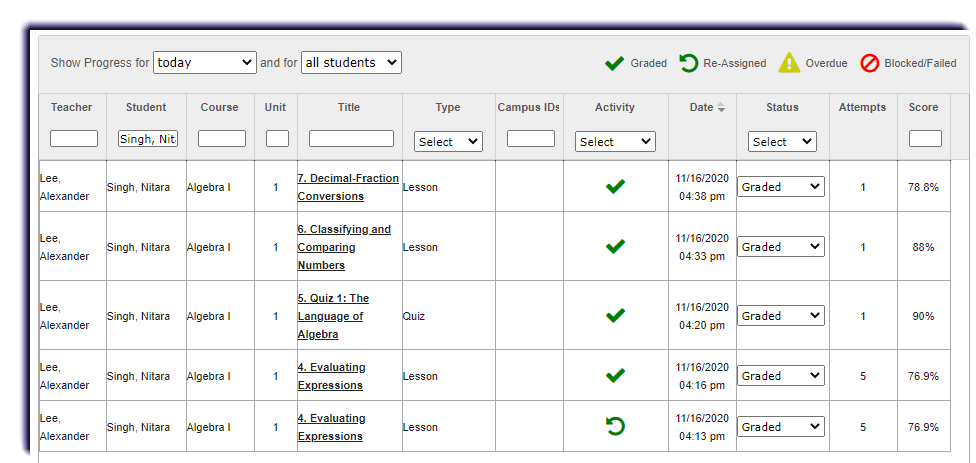
Use this page to learn how to view a student's assignment alerts from the Course Enrollment tab.
- Click Course Enrollment.

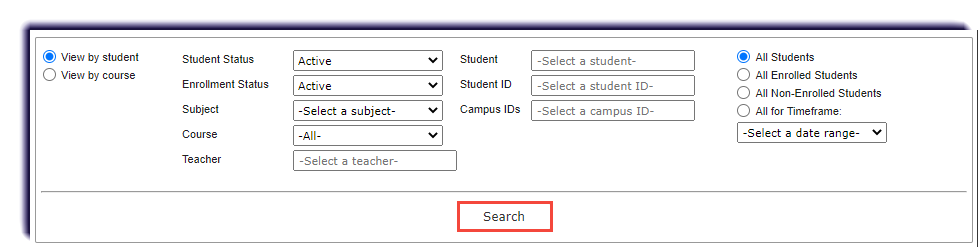
- Filter to find the enrollment(s) and click Search.
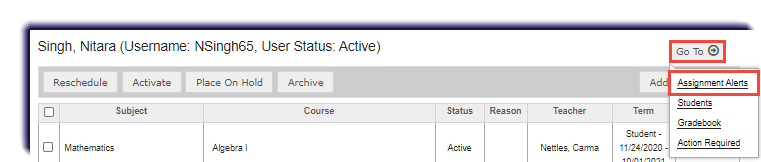
- Under Go To, click Assignment Alerts.
- These are the activities completed by the student. To learn more about this page, click here.