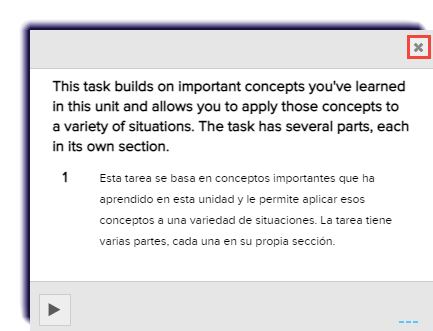
Use this page to learn how students can translate text into another language. Some languages also support read aloud functionalities.
- Select the activity to begin.
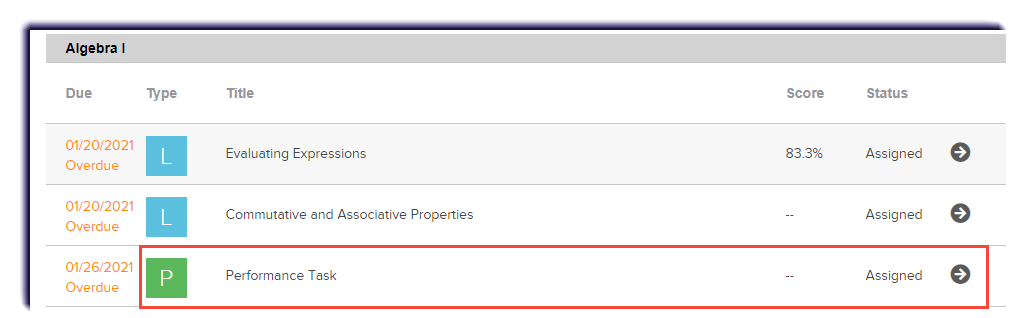
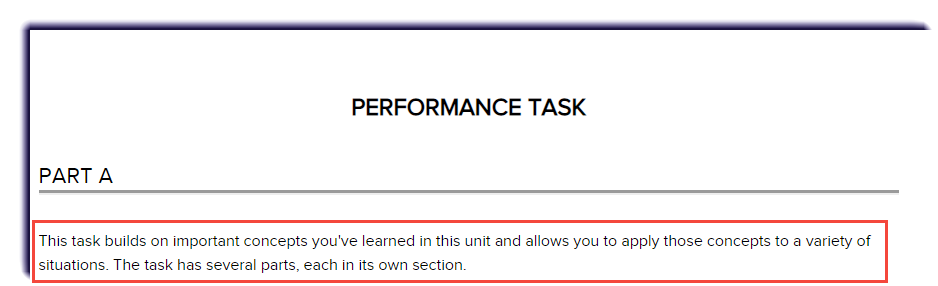
- Highlight the text.
Tips
There is a character limit, so highlight one paragraph at a time.
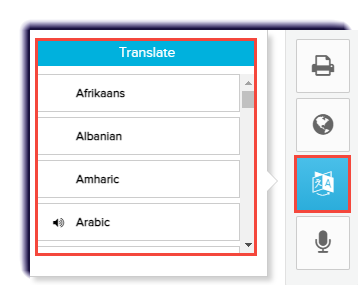
- Select a language from the Translate button.
Note
Languages with the
 icon can be read aloud.
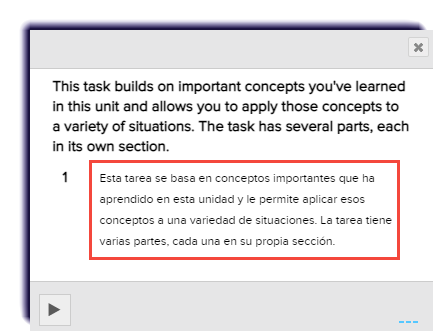
 - The translated language will appear.
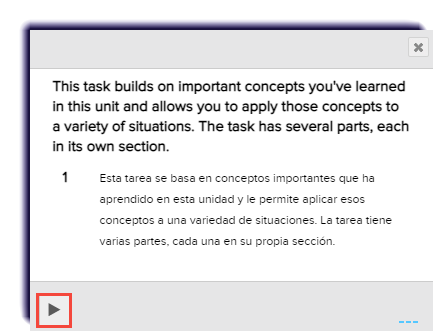
- If read aloud is available, listen by clicking Play.
- Click X, to close.