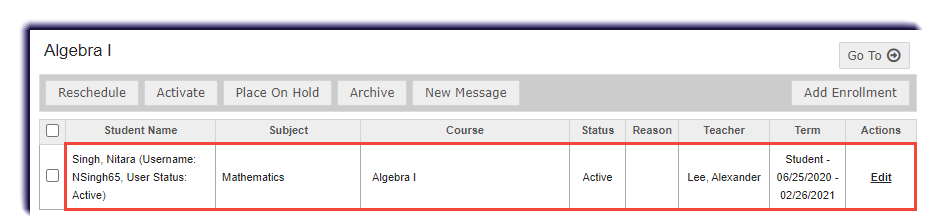
View the current enrollments for a student.
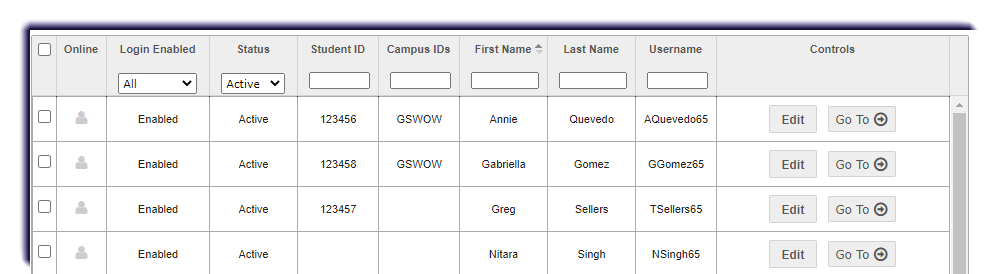
- Click Students.

- Find the student to edit. Filter if needed.
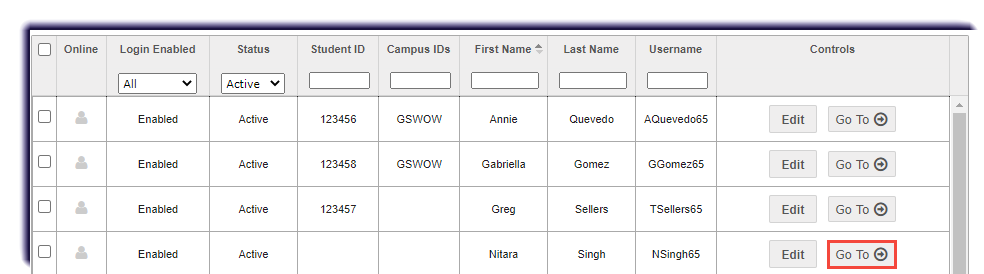
- Click Go To in the student's row.
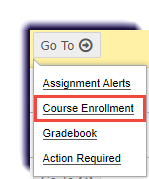
- Select Course Enrollment.
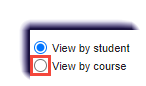
- Change the filter to View by course.
- Click Search.
- The enrollment(s) will populate.