Use this page to learn to forward a message in an inbox.
- Click Messages.

- Click the Forward
 icon for the message.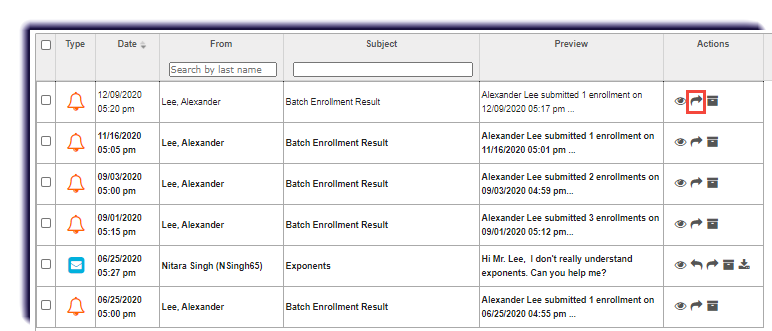
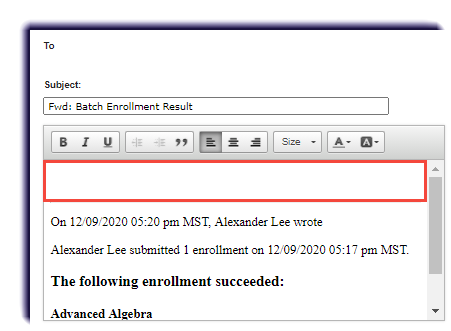
- Type any additional information to the recipient.
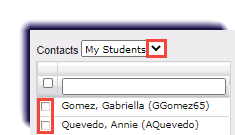
- Checkmark the recipient(s). Use the Contacts dropdown to switch categories for names.
- Click Send Message.